
Key takeaway: What is IPTV? In one sentence, IPTV is television delivered over your internet connection instead of a cable, dish or aerial. To watch it you need three things: a device, a player app and a subscription from a licensed provider.
If you have ever watched a live channel inside an app on your phone or smart TV, you have already used IPTV without calling it that. The name sounds technical, yet the idea is simple. Once you understand the three moving parts, setting it up takes an evening, not a weekend.
This guide is written for complete beginners. We avoid jargon where we can, and when a technical word is unavoidable, we explain it in plain English first. By the end you will know what IPTV is, how the picture reaches your screen, what you can watch, what equipment you need and how to tell a trustworthy service from a risky one.
What is IPTV in plain English?
IPTV stands for Internet Protocol Television. “Internet Protocol” is simply the set of rules every device uses to send data across the internet, the same rules that carry web pages, emails and video calls. So IPTV just means TV that travels the same way a web page does. TechTarget’s definition of IPTV describes it the same way: TV and video delivered over IP networks rather than through traditional broadcast.
In other words, IPTV is a delivery method, not a single company or app. Big broadcasters, sports leagues and small specialist services all use it.
What is IPTV made of? The three parts of every setup
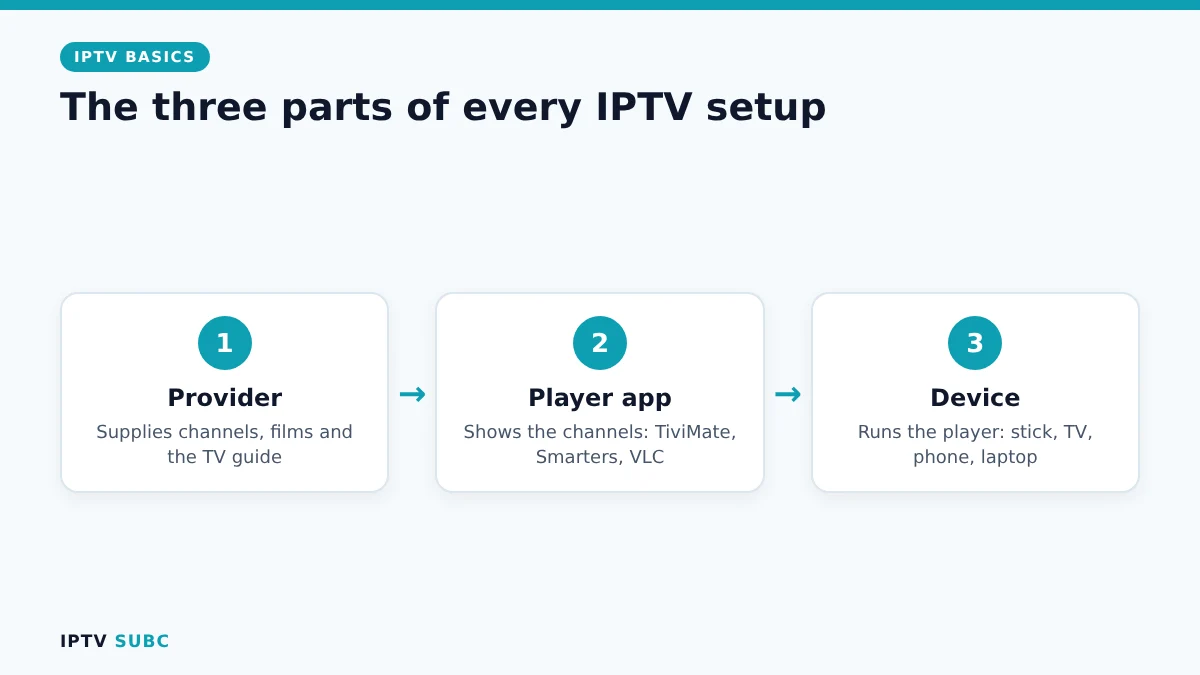
Every IPTV setup, from a phone to a living-room TV, has the same three parts.
| Part | What it does | Example |
|---|---|---|
| Provider | Supplies the channels, films and TV guide | Your IPTV subscription |
| Player app | Shows the channels on your screen | TiviMate, IPTV Smarters, VLC |
| Device | Runs the player | Fire TV Stick, smart TV, phone, laptop |
The provider is the part you pay for. The player is only software, a bit like a DVD player without discs, so it never includes channels by itself. As a result, when someone says “this app has 10,000 channels”, be careful: a genuine player app has none until you add a subscription.
How the picture reaches your TV
Cable sends every channel down the wire all the time, whether you watch it or not. IPTV works the other way round. When you pick a channel, your player asks the provider’s server for that one stream, and the server sends only that stream to you.
- The provider prepares the stream. It receives the channel and converts it into a format that travels well over the internet.
- The server sends it on request. Nothing is sent until your player asks for it.
- Your device plays it. The player app decodes the video and shows it, together with the TV guide.
Because only one channel travels at a time, IPTV works on any decent broadband connection and on almost any screen in the house. On the other hand, it also means the quality depends on your internet and on the provider’s servers, which we come back to below.
What is IPTV good for? What you can watch
- Live TV: channels playing in real time, just like broadcast TV.
- Video on demand (VOD): a library of films and series you start whenever you like.
- Catch-up: replay shows from the last few days, on channels where the provider keeps an archive.
- Recording: save a show to your device, in players that support it.
Which of these you get depends entirely on the provider. Some focus on one country, others on sport or films. Therefore, always check the channel list and features during a trial rather than trusting big numbers on a sales page.
What you need to get started
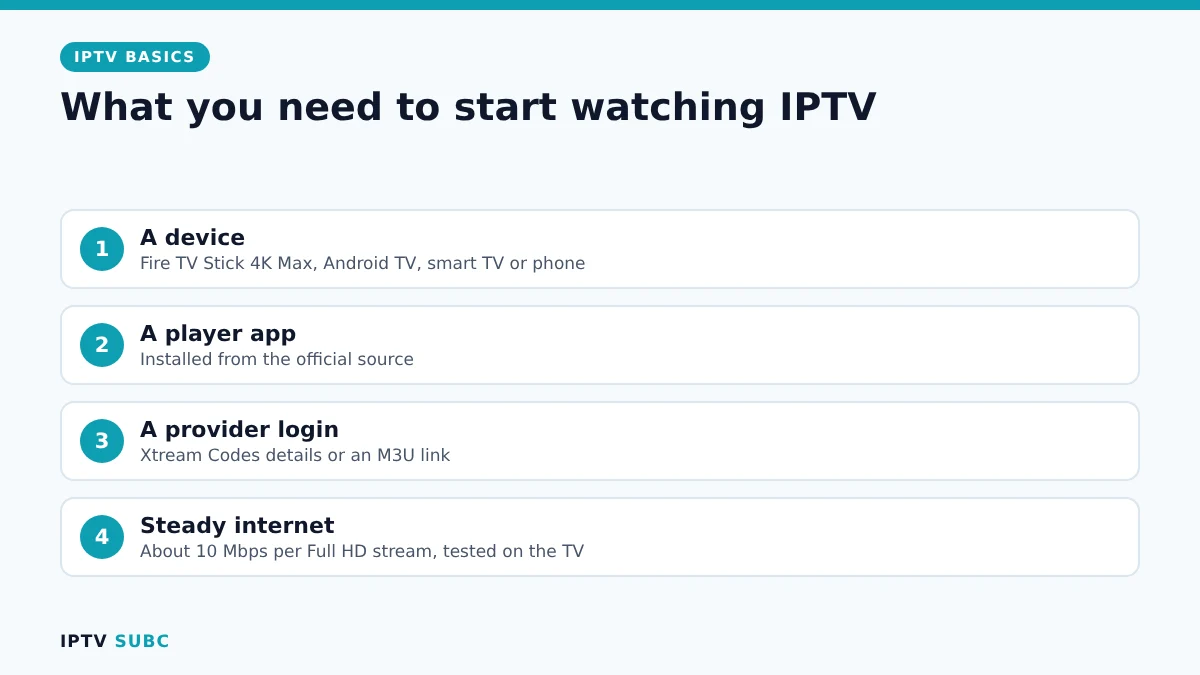
- A device with a good player. For most people a Fire TV Stick 4K Max is the easiest start, because it runs every popular player. Our guide to the best devices for IPTV compares the other options.
- A player app, installed from the official source, such as TiviMate or IPTV Smarters Pro.
- A login from your provider, either Xtream Codes details or an M3U link. Not sure which is which? Read M3U vs Xtream Codes.
- Steady internet, about 10 Mbps per Full HD stream, measured on the TV device itself.
Picture quality: SD, HD and 4K
Most channels arrive in HD (720p or 1080p), and many services offer some channels in 4K. However, what you actually see depends on three things working together: the provider’s stream, your internet speed and your device.
| Quality | Typical resolution | Steady speed to aim for |
|---|---|---|
| SD | 480p | About 5 Mbps |
| HD / Full HD | 720p to 1080p | About 10 Mbps |
| 4K | 2160p | About 25 Mbps |
For example, a 4K channel needs a 4K TV, a 4K-capable device and roughly 25 Mbps that stays steady in the evening, when everyone in the neighbourhood is online. If streams stutter, our IPTV buffering guide walks you through the fixes.
Is IPTV legal?
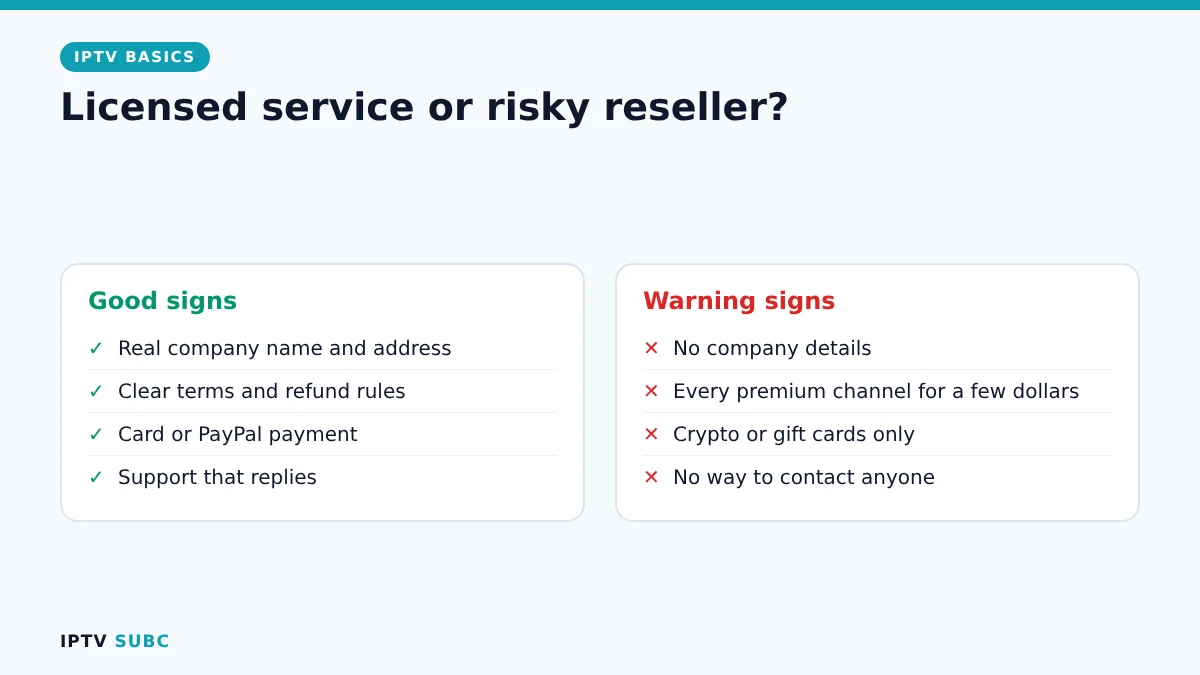
The technology is completely legal, and large broadcasters use it every day. What matters is the service. A licensed provider pays for the rights to the channels it offers, so using it is legal. In contrast, services that resell channels without permission are illegal in many countries, and they can disappear overnight with your money.
| Good signs | Warning signs |
|---|---|
| A real company name and address | No company details at all |
| Clear terms of service and refund rules | Thousands of premium channels for a few dollars |
| Card or PayPal payment | Crypto or gift cards only |
| Support that answers questions | No way to contact anyone |
Our checklist on how to choose an IPTV provider turns these signs into a simple test you can run during a free trial.
Common beginner mistakes
- Paying for a year upfront before testing the service at peak time.
- Installing a “modded” player from a random website instead of the official one. Modified apps often carry malware and never get updates.
- Choosing an M3U link when Xtream Codes is available. Xtream loads the TV guide, films and series automatically.
- Testing speed on your phone instead of on the TV device you will actually watch on.
- Ignoring the connection limit. Each screen that plays at the same time counts as one connection.
IPTV pros and cons
| Pros | Cons |
|---|---|
| Usually much cheaper than cable | Needs a steady internet connection |
| Watch on TV, phone, tablet and laptop | Quality depends on the provider’s servers |
| Catch-up and on-demand libraries | Some services are not licensed |
| No technician visit or long contract | You set up the app yourself |
Wondering whether it really saves money? Compare the numbers in IPTV vs cable.
For another walkthrough with more diagrams, read What Is IPTV? on Legion Webs.
FAQ
What is IPTV in simple words?
TV that comes through your internet connection instead of a cable, a satellite dish or an aerial.
Do I need a satellite dish or aerial for IPTV?
No. Everything arrives through your broadband connection.
Do I need a special box?
No. A streaming stick, a smart TV app or even your phone is enough. A dedicated box is only one option.
Can I watch IPTV on more than one TV?
Yes, if your plan allows several connections at the same time. Each screen that plays counts as one.
What is IPTV compared with Netflix?
Both stream over the internet. People usually say IPTV for live TV channels, and streaming for on-demand apps such as Netflix.
How much internet speed do I need?
About 10 Mbps per Full HD stream and 25 Mbps for 4K, measured on the TV device in the evening.
Next steps
Ready to set it up? Follow IPTV on Firestick: quick start. Still comparing? See IPTV vs cable and learn how to choose an IPTV provider.
As an Amazon Associate, we earn from qualifying purchases made through device links on this page.