
Key takeaway: When a Fire TV VPN is not working, the cause is usually weak internet, a busy or blocked server, the wrong protocol, an expired plan or a stuck app. Note exactly what happens, then use the matching fix.
A VPN that refuses to connect is frustrating, especially when you just want to watch something. The good news: the cause is almost never your Fire TV itself. In most cases one of seven simple things has gone wrong, and each takes a minute or two to fix.
Before you start, note exactly what happens. Does the app refuse to connect, does it connect but nothing loads, or does only one app fail? That detail tells you which fix to try first. Then use the symptom table below, or simply work through all seven fixes in order.
Disclosure: this guide contains affiliate links. If you sign up through them, we may earn a commission at no extra cost to you.
In this guide
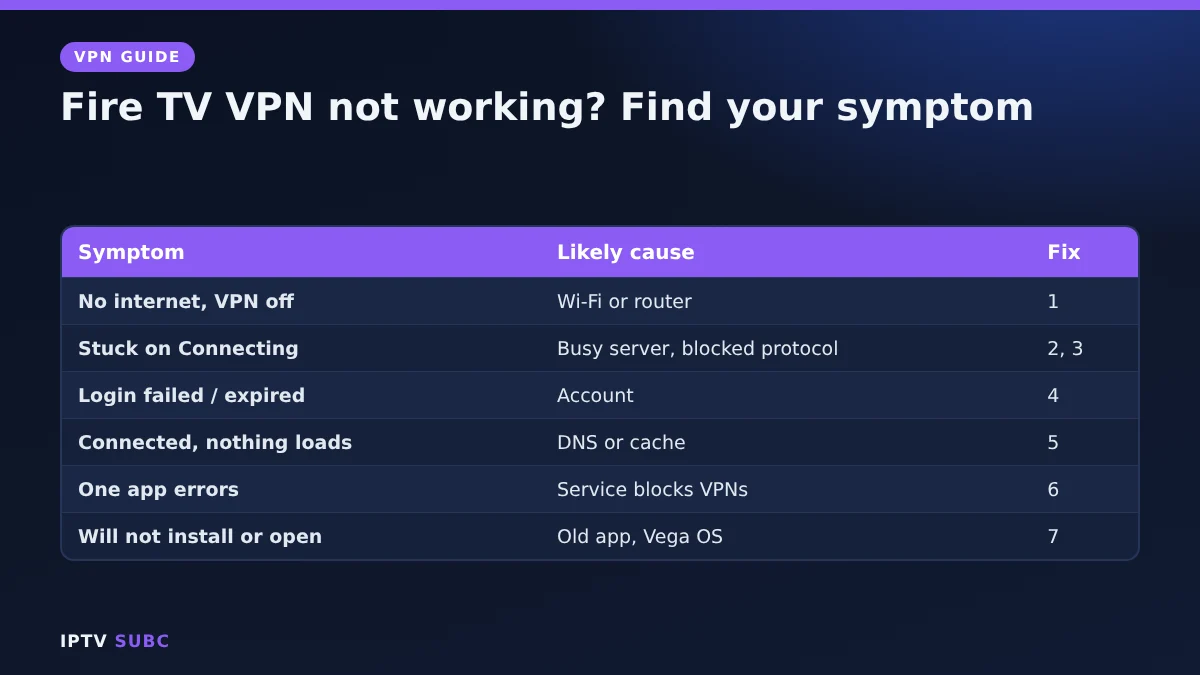
Fire TV VPN not working: symptom finder
| Symptom | Most likely cause | Go to |
|---|---|---|
| No internet even with the VPN off | Wi-Fi or router | Fix 1 |
| Stuck on “Connecting” | Busy server or blocked protocol | Fixes 2 and 3 |
| “Login failed” or “Subscription expired” | Account problem | Fix 4 |
| Connected, but apps do not load | DNS setting or app cache | Fix 5 |
| One streaming app shows an error | That service blocks VPN servers | Fix 6 |
| App will not install or open | Old app, old Fire OS or Vega OS | Fix 7 |
The fixes
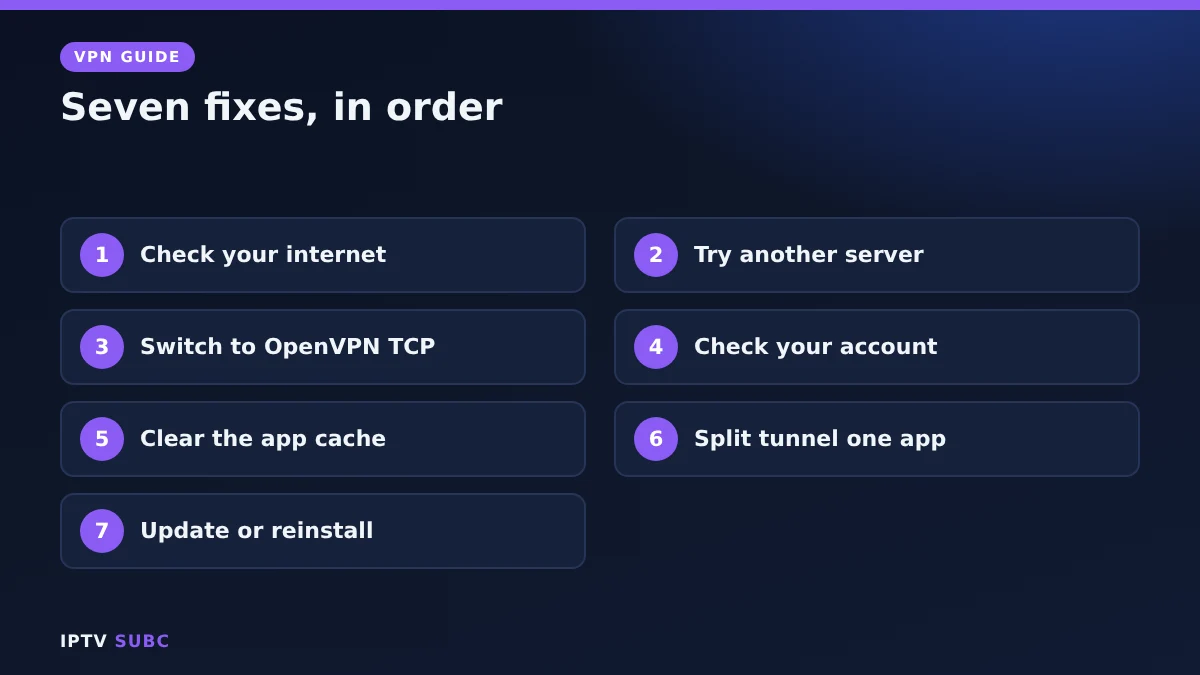
Fix 1: Check your internet first
Turn the VPN off and go to Settings, Network. Your Wi-Fi should say “Connected to the internet”. If it does not, restart the router and the Fire TV before blaming the VPN. A slow connection also makes VPNs time out, so aim for at least 10 to 25 Mbps for HD streaming.
Fix 2: Connect to a different server
Servers can be busy or down for maintenance. Disconnect and pick another server in the same country. In most cases, a closer server is also faster.
Fix 3: Change the protocol
Some networks, such as hotel or office Wi-Fi, block certain VPN protocols. In the app settings, switch from the default (often WireGuard or NordLynx) to OpenVPN TCP, then try again. Once it connects, you can switch back at home for better speed.
Fix 4: Check your account
Open the account page in the app or on the provider’s website. Make sure the plan is active and that you have not reached the device limit. If too many devices are connected, sign out of one you no longer use.
Fix 5: Clear the VPN app’s cache
- Go to Settings, Applications, Manage Installed Applications.
- Select your VPN app, then Force stop.
- Select Clear cache, then open the app again.
If apps still do not load while connected, turn off any custom DNS setting in the VPN app.
Fix 6: When only one app fails
Some streaming services block known VPN servers or only allow content for your own country. First, try a server in your own country. If the app still fails, use split tunnelling to let that one app skip the VPN while everything else stays protected. Always follow each service’s terms.
Fix 7: Update or reinstall
- Update Fire TV under Settings, My Fire TV, About, Check for updates.
- Uninstall the VPN app and install it again from the Amazon Appstore.
- Sign in and connect.
On a Vega OS stick, only VPNs with a Vega OS app work, and sideloaded VPN apps cannot be installed. Our best VPN for Fire TV comparison lists which ones support it.
Still stuck?
Contact your VPN’s live chat with your Fire TV model and the exact error message. If your VPN is a free one with a data cap, it may simply have run out; a paid VPN such as NordVPN is more reliable. For a second checklist, see Guiding Tech’s Fire TV VPN guide.
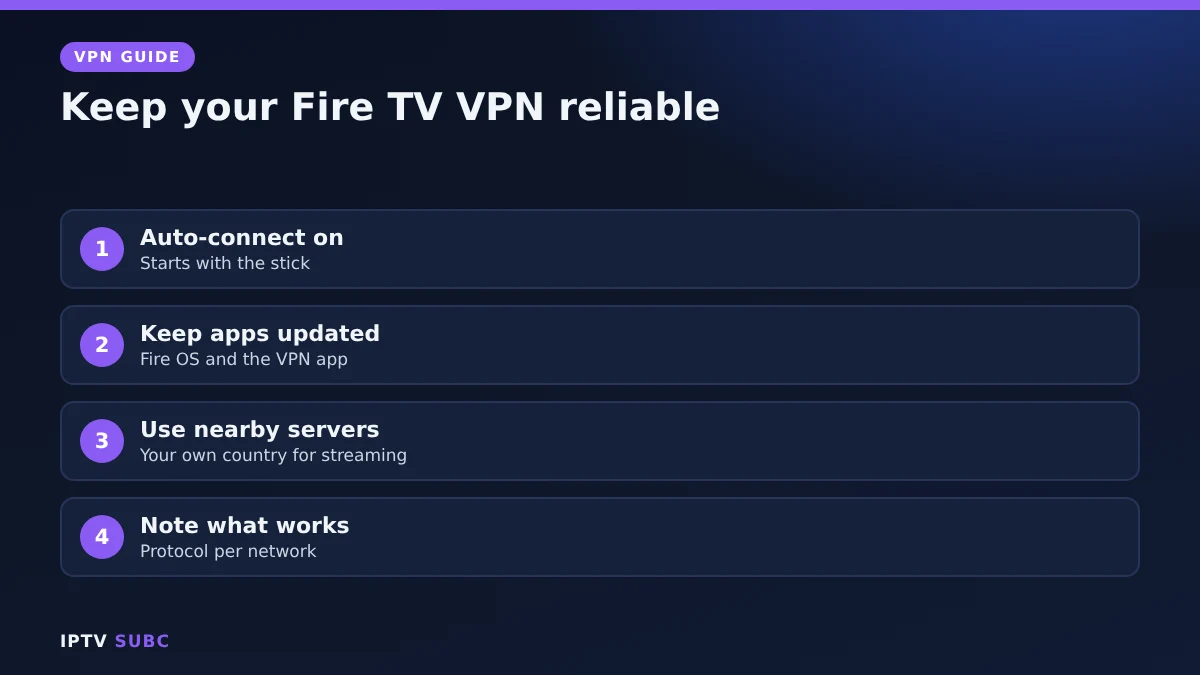
Prevent it happening again
- Turn on auto-connect, so the VPN starts every time the stick wakes.
- Keep both Fire OS and the VPN app updated.
- Stick to servers in or near your own country for everyday streaming.
- Keep a note of which protocol works on which network, for example at a holiday rental.
The original lesson is VPN Not Working on Firestick on Legion Webs.
FAQ
Why is my Fire TV VPN not working after an update?
A Fire OS update can leave an old VPN app version behind. Update or reinstall the app, then accept the connection request again.
Why does my VPN connect but nothing loads?
Usually a DNS or server issue. Switch server, turn off custom DNS in the app and clear the app cache.
Does this mean my stick is broken?
Almost never. Very old sticks are not supported by some VPNs, and a factory reset is only a last step.
Can my router block a VPN?
Yes, some routers and networks block VPN protocols. Switching to OpenVPN TCP usually gets around it.
Why does only my IPTV app fail with the VPN?
Some providers limit VPN connections. Try another server or exclude the player with split tunnelling; see VPN for IPTV.
Next steps
Back online? Set it up for streaming with VPN for IPTV, or review the VPN on Fire TV guide.