
Key takeaway: To choose an IPTV provider you can trust, run every provider through the same ten checks during a trial: licensing, channel list, peak-time quality, uptime, devices, connections, guide and catch-up, payment, support and refunds.
There are hundreds of IPTV services, and most sales pages look identical: huge channel numbers, “4K”, “no buffering”, “best in the world”. Unfortunately, those claims tell you very little. The only reliable way to choose an IPTV provider is to test it yourself, on your own TV and your own connection, against a clear checklist.
This guide gives you that checklist. It is written for beginners, so each check explains what to look for, why it matters and how to test it in a few minutes.
Why choosing carefully matters
A bad choice costs more than money. Unlicensed services can vanish overnight, leaving you with a paid plan and nothing to watch. Others buffer every evening, exactly when you want to watch. And some ask for payment methods that make a refund impossible. Ten minutes with this checklist avoids all three.
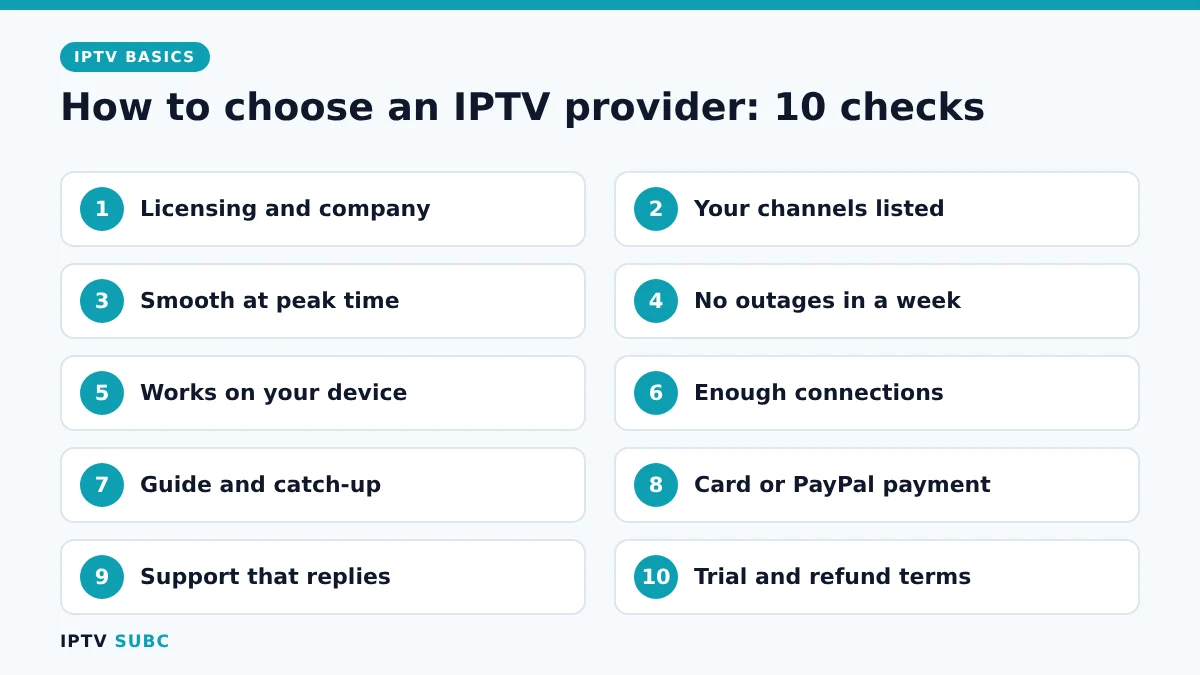
How to choose an IPTV provider: the 10-point checklist
| # | Check | What good looks like |
|---|---|---|
| 1 | Licensing and company | Real company name, terms of service, contact address |
| 2 | Channel list | The channels you actually watch, listed before you pay |
| 3 | Peak-time quality | Smooth live sport and news in the evening |
| 4 | Uptime | No repeated outages during your trial week |
| 5 | Device support | Works on your Fire TV, smart TV or phone |
| 6 | Connections | Enough screens at once for your household |
| 7 | Guide and catch-up | A complete TV guide; catch-up if you want it |
| 8 | Payment | Card or PayPal, not only crypto or gift cards |
| 9 | Support | Replies within hours, in a language you speak |
| 10 | Trial and refunds | A free or cheap trial and clear refund terms |
Check 1: licensing comes first
This check matters most. Licensed services pay for the channels they carry; unlicensed ones resell them without permission. As a result, unlicensed services are illegal in many countries, often get shut down and leave customers with nothing.
Look for a real business name, a physical address and proper terms of service. If a price looks too good to be true for “every premium channel in the world”, it usually is.
Checks 2 to 4: test quality during a trial
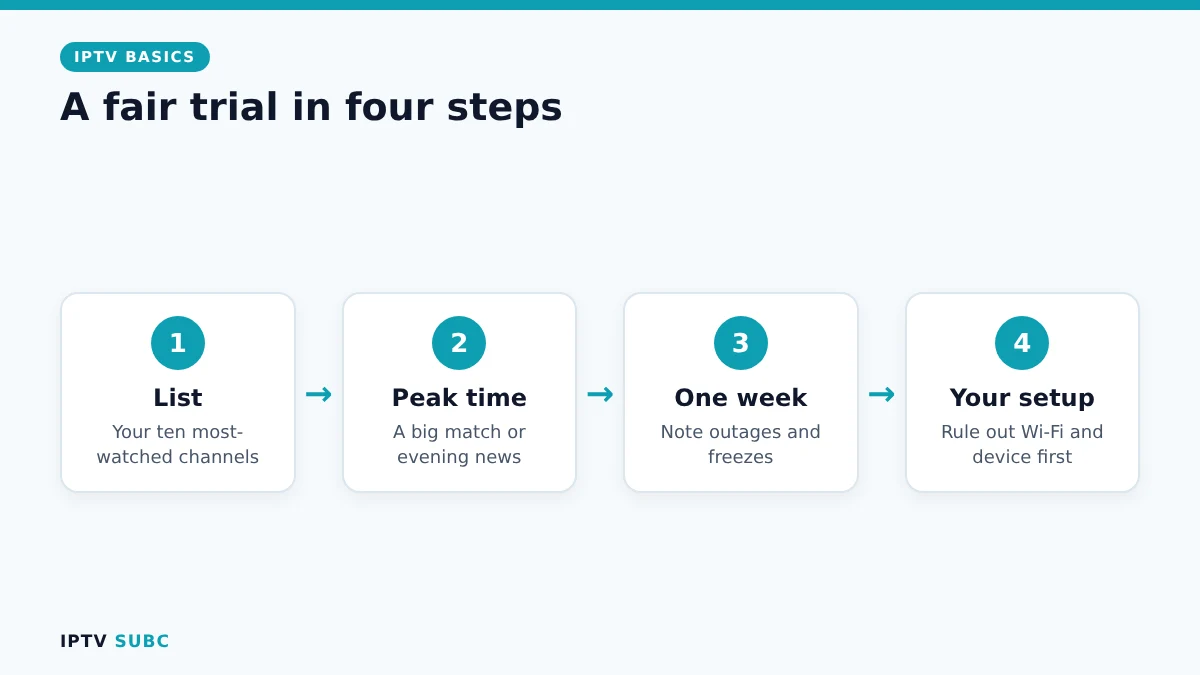
- Write down the ten channels you watch most and confirm each one is in the list.
- Watch at peak time. A big match or the evening news shows whether the servers cope with heavy traffic.
- Test for a week, not an hour. Note any outages or freezes, and when they happen.
- Rule out your own setup. If streams buffer, follow our IPTV buffering fixes first, so you judge the provider fairly.
Checks 5 to 7: devices, connections and the guide
Next, make sure the service gives you a login your player accepts. Ideally you get Xtream Codes details, because they load the TV guide, films and series automatically. Our guide to M3U vs Xtream Codes explains the difference.
Then count the TVs, phones and tablets in your home that may watch at the same time, and pick a plan with enough connections. Finally, open the TV guide on a few channels: it should show programme names and times, not empty rows.
Payment and plan length when you choose an IPTV provider
- Pay with protection. Cards and PayPal let you dispute a charge, as the FTC explains in its guide to disputing credit card charges; crypto and gift cards do not.
- Start monthly. Even if a yearly plan is cheaper, wait until the service has proved itself for a month or two.
- Read the refund terms before you pay, and save a copy.
Checks 9 and 10: support and refunds
During the trial, send support a simple question, such as “How many connections does my plan include?” A good provider answers within hours and in plain language. Silence during a trial usually means silence later, when you actually need help.
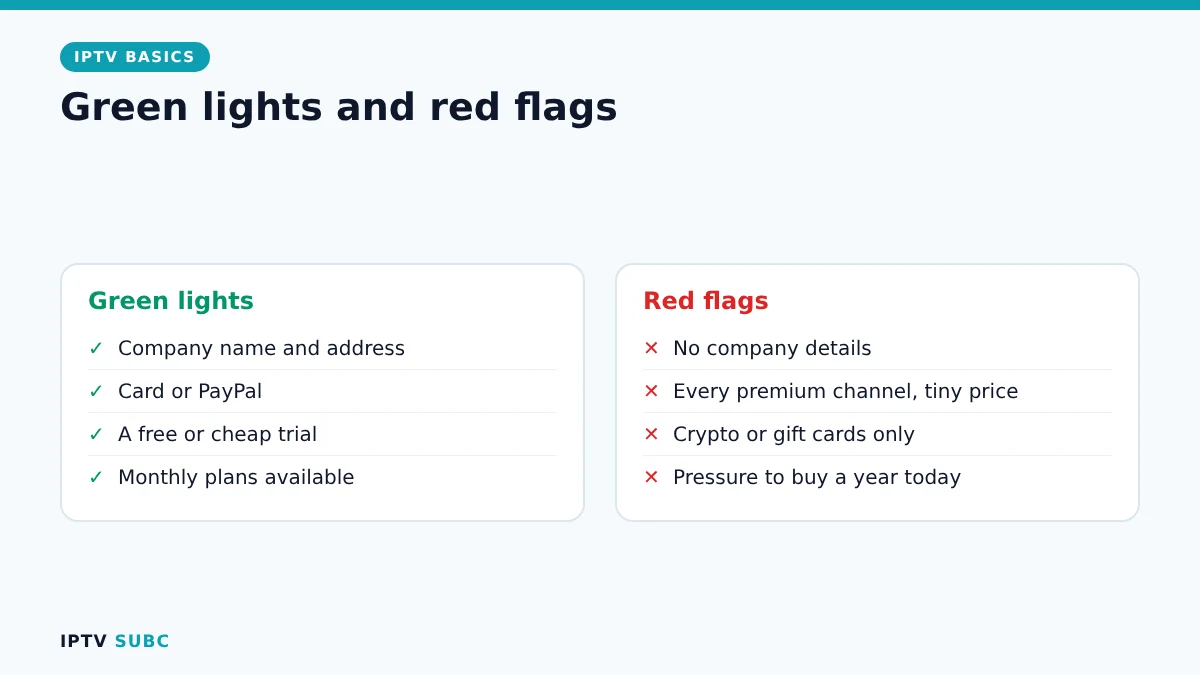
Red flags at a glance
| Red flag | Why it matters |
|---|---|
| No company name or address | Nobody to hold responsible |
| Every premium channel for a tiny price | Almost always unlicensed |
| Crypto or gift cards only | No way to get your money back |
| No trial at all | You pay before you know it works |
| Pressure to buy a long plan today | Locks you in before you can test |
A note on VPNs and regions
Some channels are licensed only for certain countries, so a provider may limit them by location. A VPN protects your privacy and can help when your internet provider slows down streams. However, a VPN does not make an unlicensed service legal. Our VPN on Fire TV guide explains when one is useful.
For another version of this checklist with extra examples, see How to Choose an IPTV Service on Legion Webs.
FAQ
What is the best IPTV provider?
The best one is the licensed service that carries your channels and stays smooth at peak time on your connection. That is why a trial against this checklist beats any ranking.
How much should IPTV cost?
Prices vary by country and package. Be wary of very low prices for huge premium line-ups, since they usually signal an unlicensed service.
Does every IPTV service buffer sometimes?
Short, rare buffering can happen anywhere. Buffering every evening during your trial is a clear sign to choose another provider.
How long should a trial be?
At least a few days, and ideally including a weekend evening or a big sporting event.
Can I use one subscription on several devices?
Usually, yes, up to the number of connections in your plan. Each screen that plays at the same time counts as one.
Next steps
Found a provider you like? Set it up with IPTV on Firestick, then pick a player in our best IPTV player for Fire TV comparison.