
Key takeaway: The best IPTV player for Firestick depends on how you watch: TiviMate for live TV and a real TV guide, IPTV Smarters Pro for films and series, OTT Navigator as a free all-rounder, Kodi for tinkerers and VLC for testing a link.
There are dozens of IPTV players for Fire TV, and many “best of” lists mix up players with IPTV services. This guide compares players only: the apps you install on your stick to watch the playlist your provider gives you. None of them include channels.
We focus on what matters with a remote in your hand: a clear TV guide, fast channel switching, stable playback and a safe, official download. Want the short answer? Use the one-minute decision below, then follow the install guide for your choice.
In this guide
- How we compared them
- Best IPTV player for Firestick: side by side
- 1. TiviMate: best for live TV
- 2. IPTV Smarters Pro: best for films and series
- 3. OTT Navigator: best free all-rounder
- 4. Kodi with PVR IPTV Simple Client: most customisable
- 5. VLC for Fire: quickest way to test a link
- How to pick the best IPTV player for Firestick in one minute
- Stay safe with IPTV players
- Using your provider’s own app
- FAQ
- Next steps
How we compared them
- Remote-friendly: easy to use with the Fire TV remote, without a mouse or keyboard.
- TV guide: how well the app shows what is on now and next.
- Stability: smooth playback and few crashes on a normal Fire TV Stick.
- Safe download: available from an official source, not only from copycat sites.
- Price: what you get free and what costs extra.
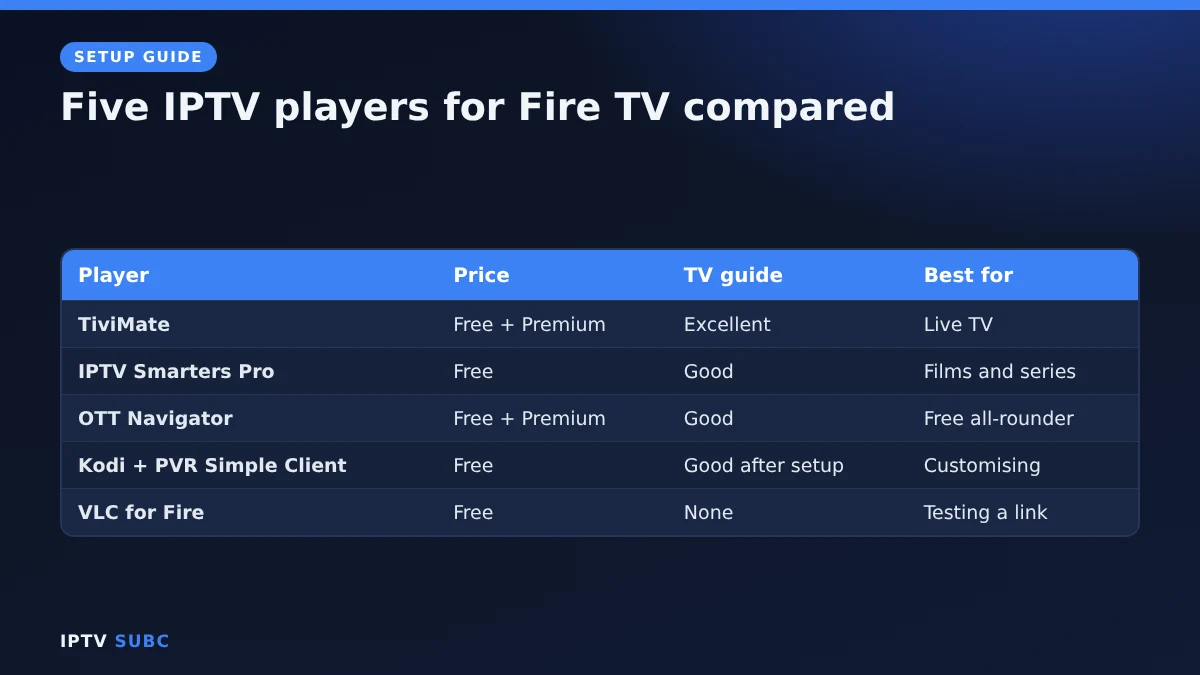
Best IPTV player for Firestick: side by side
| Player | Price | Install from | Logins | TV guide | Best for |
|---|---|---|---|---|---|
| TiviMate | Free, optional Premium | Official website | Xtream Codes, M3U, Stalker | Excellent | Live TV |
| IPTV Smarters Pro | Free | Official website | Xtream Codes, M3U | Good | Films and series |
| OTT Navigator | Free, optional Premium | Trusted source (not in app stores) | Xtream Codes, M3U | Good | Free all-rounder |
| Kodi + PVR IPTV Simple Client | Free, open source | kodi.tv | M3U with XMLTV guide | Good after setup | Customising |
| VLC for Fire | Free | Amazon Appstore | M3U link | None | Testing a link |
1. TiviMate: best for live TV
TiviMate feels like a cable TV box. Its grid guide is the clearest of any player, and switching channels is fast. The free version covers live TV; Premium adds multiple playlists, recording, catch-up and multiview, and one Premium account covers up to five devices.
| Pros | Cons |
|---|---|
| Best TV guide on Fire TV | Premium costs extra |
| Fast channel switching | Not in the Amazon Appstore |
| Recording and multiview with Premium | Basic film and series menus |
Install it: TiviMate on Fire TV.
2. IPTV Smarters Pro: best for films and series
IPTV Smarters Pro is free and very easy to set up. Its film and series menus, with posters and descriptions, are friendlier than TiviMate’s, so it suits people who mainly watch on demand.
| Pros | Cons |
|---|---|
| Completely free | Guide less polished than TiviMate |
| Very easy Xtream Codes login | Many fake copies online |
| Good film and series menus | Fewer advanced settings |
Install it: IPTV Smarters Pro on Fire TV.
3. OTT Navigator: best free all-rounder
OTT Navigator offers a good TV guide, lots of settings and support for external players in its free version. An optional Premium adds extras such as profiles. It suits people who want a capable player without paying, as long as they do not mind a busy settings menu.
4. Kodi with PVR IPTV Simple Client: most customisable
Kodi is a free, open-source media centre. With the official PVR IPTV Simple Client add-on it plays M3U playlists with an XMLTV guide in Kodi’s TV section. It takes more setup than the others, but it is very flexible. Download it only from the official Kodi website, and be careful with third-party add-ons.
5. VLC for Fire: quickest way to test a link
VLC is the only player here you can install straight from the Amazon Appstore, with no Downloader needed. Open Network Stream, paste your M3U link and press play. There is no TV guide, so it is not a daily player, but it is perfect for checking whether a playlist works.
How to pick the best IPTV player for Firestick in one minute
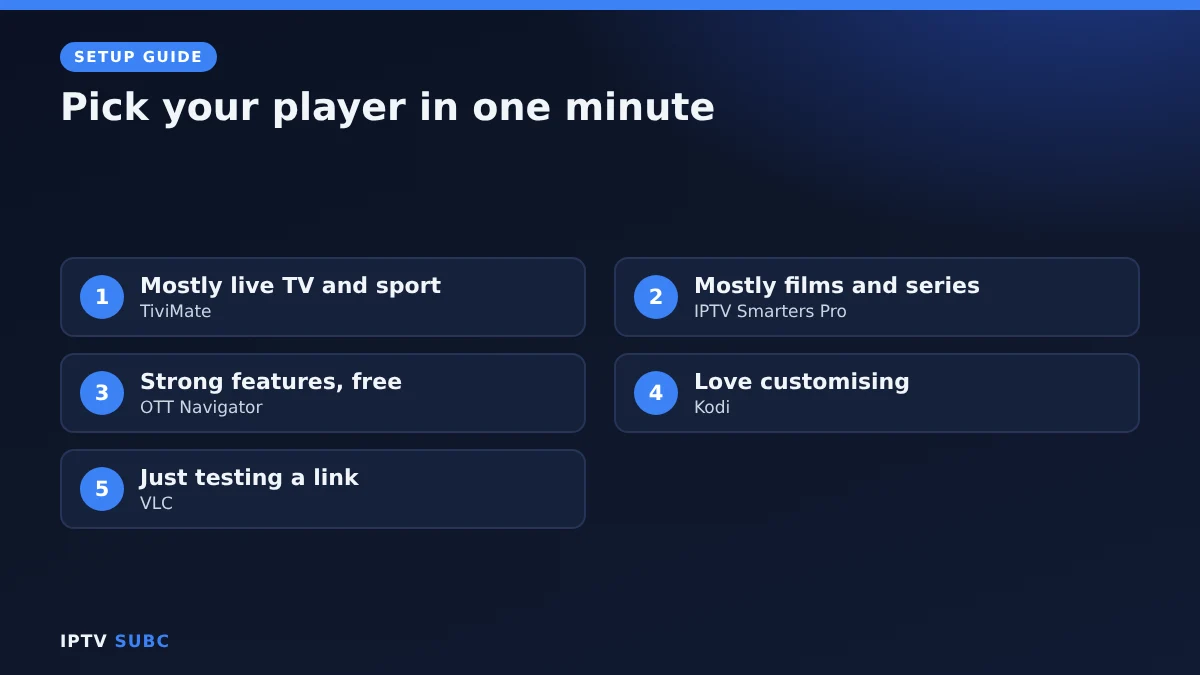
- Mostly live TV and sport? TiviMate.
- Mostly films and series? IPTV Smarters Pro.
- Want strong features for free? OTT Navigator.
- Love customising everything? Kodi.
- Just testing a link? VLC.
Stay safe with IPTV players
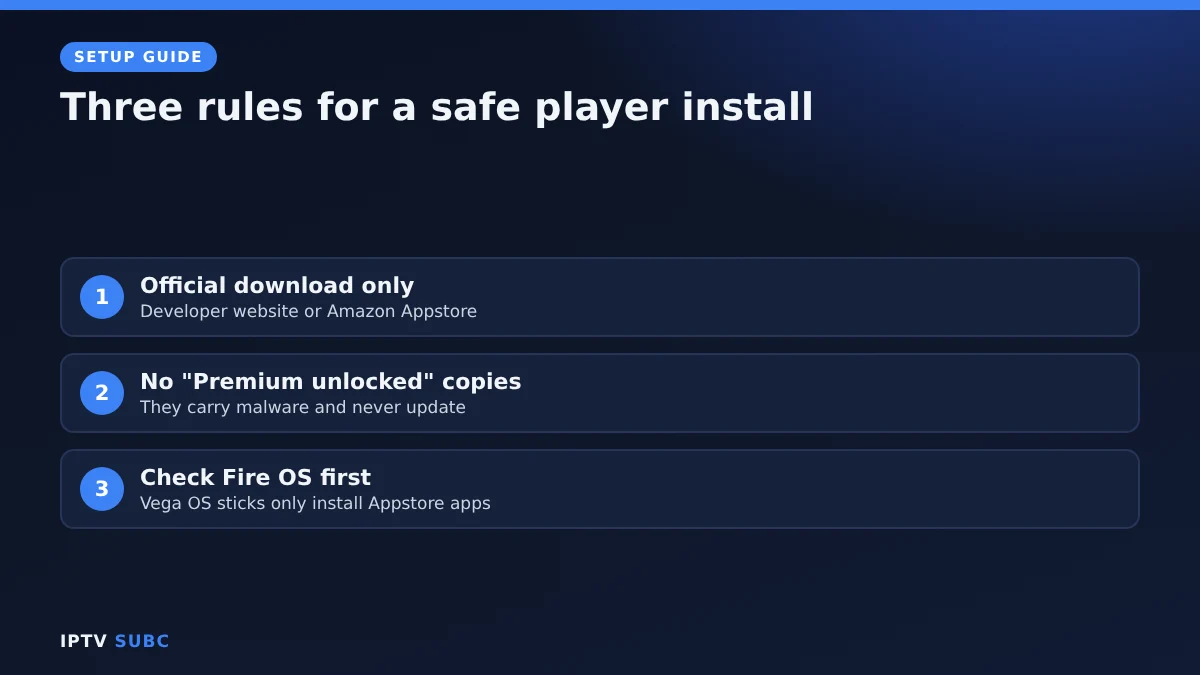
- Download players only from their official websites or the Amazon Appstore.
- Skip “Premium unlocked” or “mod” versions: they often contain malware and get no updates.
- Vega OS sticks (4K Select, second-generation HD) only install Appstore apps, so most players here will not install.
- Players contain no channels; the service you load into them supplies those.
Need Downloader first? Follow Downloader on Fire TV. Unsure which login to use? Read M3U vs Xtream Codes. For another comparison, see Best IPTV App for Fire Stick on Legion Webs.
Using your provider’s own app
Some IPTV services now offer their own player for Fire TV and Android. If you subscribe to one of them, you sign in with your account and the subscription loads by itself, with nothing to type. These apps can also load an Xtream Codes login or M3U link from another service.
| App | Downloader code | Works on |
|---|---|---|
| 8K IPTV Player | 3330041 | Fire TV, Android TV, Google TV, Android phones |
| 4K Flix Player | 1250343 | Fire TV, Android TV, Google TV, Android phones |
| 4KFlexHub Player | 5669139 | Fire TV, Android TV, Google TV, Android phones |
To install one, open Downloader, enter the code and select Go. Like other sideloaded players, they need a Fire OS device, not a Vega OS stick. Disclosure: these services are partners of IPTV SUBC.
Still torn between the top two? 8K IPTV Group has a side-by-side TiviMate vs IPTV Smarters comparison that goes deeper.
FAQ
What is the best free IPTV player for Fire TV?
IPTV Smarters Pro and OTT Navigator. TiviMate is also free for basic live TV, with an optional Premium upgrade.
Do IPTV players come with channels?
No. They are only players. You add a playlist from your provider. Need a service too? See our guide to the best IPTV for Firestick.
Can I install more than one player?
Yes. Many people use TiviMate for live TV and IPTV Smarters for films with the same login. Check your connection limit.
Which player works on the Fire TV Stick 4K Select?
Only players available for Vega OS in the Appstore, because the 4K Select runs Vega OS. Search the Appstore on your stick to see what is offered.
Is TiviMate better than IPTV Smarters?
For live TV and the guide, yes. For browsing films and series, many people prefer IPTV Smarters Pro.
Next steps
Picked your player? Set up Downloader on Fire TV first, then follow the install guide. New to all of this? Start with the IPTV on Firestick quick start.
Free download
Firestick + IPTV Setup Checklist
Two printable pages: install, login, the settings that make it faster and quick fixes for buffering and an empty guide.
We’ll send occasional new guides. No spam, unsubscribe any time. Privacy