
Key takeaway: IPTV favorites turn a playlist of thousands of channels into a short list you actually watch. Mark the channels you use most as favourites, hide or ignore the groups you never open, and the guide becomes faster to browse and quicker to load.

Most IPTV playlists contain thousands of channels across dozens of categories, many in languages you do not speak. Scrolling through all of them with a remote is slow and frustrating. The good news is that every popular player lets you build a personal list in a few minutes.
This guide explains how IPTV favorites work, how to build your list in TiviMate and IPTV Smarters Pro, how to deal with groups you never watch, and a simple routine that keeps everything tidy when your provider updates the playlist.
In this guide
- Why organising your playlist matters
- Step 1: Make your shortlist first
- Step 2: Add favourites in TiviMate
- Step 3: Add favourites in IPTV Smarters Pro
- Step 4: Deal with groups you never watch
- Step 5: Put your favourites in order
- Use search instead of scrolling
- Keep it tidy after playlist updates
- FAQ
- Next steps
Why organising your playlist matters
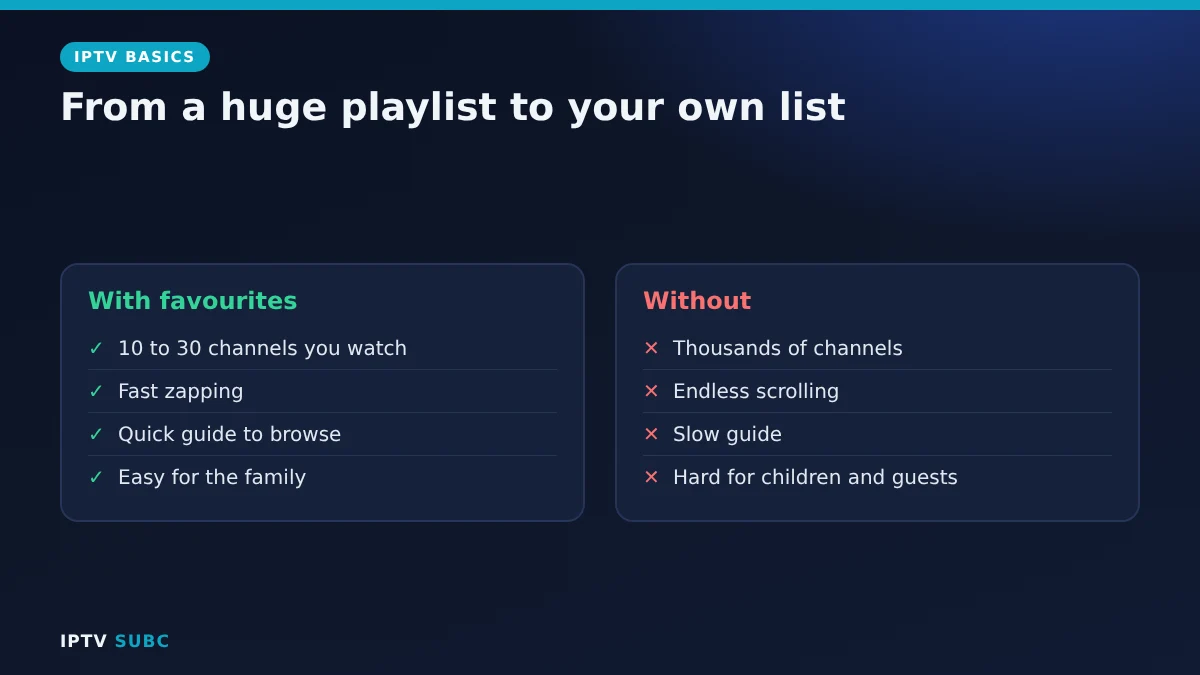
- Faster zapping: jump between ten favourites instead of scrolling through thousands.
- A quicker guide: fewer visible channels make the TV guide faster to browse.
- Easier for the family: everyone finds their channels without help.
- Safer: hiding adult or unsuitable groups also supports your IPTV parental controls.
Step 1: Make your shortlist first
Before touching the remote, write down the channels you really watch: news, your sports channels, a few entertainment channels and anything the children use. Most households end up with 10 to 30 channels. This list makes the next steps much quicker.
Step 2: Add favourites in TiviMate
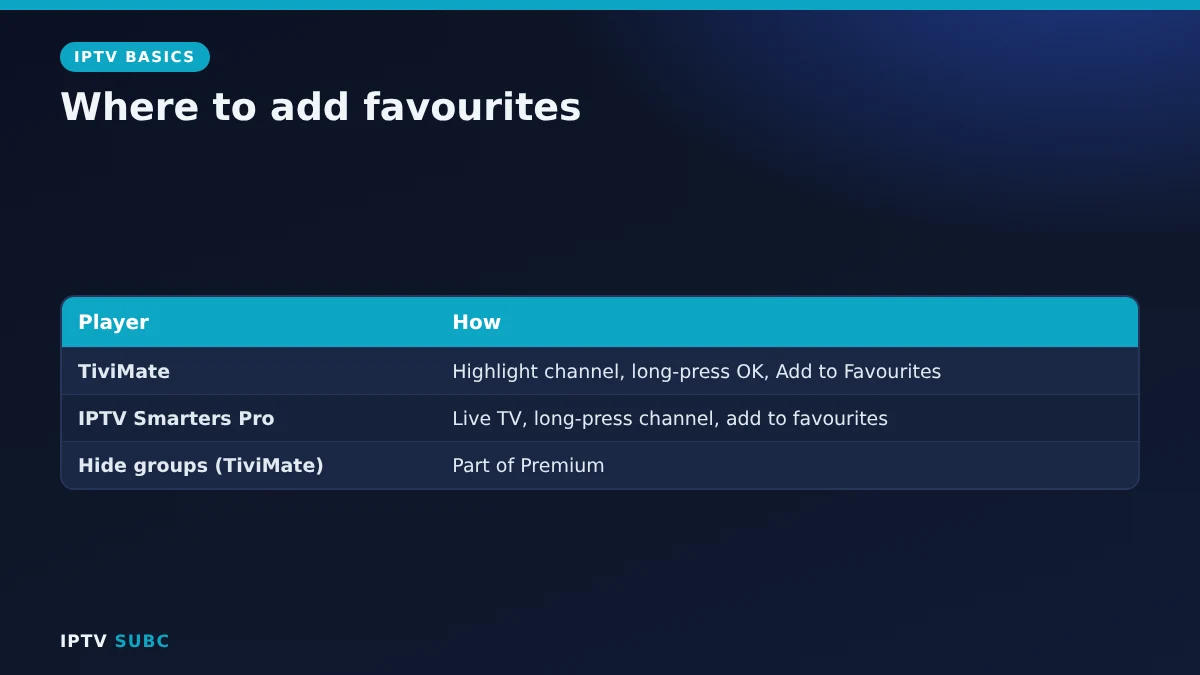
- Open the TV guide and highlight a channel.
- Long-press the Select (OK) button on the remote.
- Choose Add to Favourites.
- Repeat for each channel on your list.
Your favourites appear as their own group at the top, so you can open them straight away. It is the quickest way to make the app feel faster. New to TiviMate? See TiviMate on Fire TV.
Step 3: Add favourites in IPTV Smarters Pro
- Open Live TV and browse to a channel.
- Long-press the channel (or use the options or menu button while it is highlighted).
- Choose the option to add to favourites.
Your favourites then appear in their own category in Live TV. Menu wording can differ between versions, so look for a heart or favourites option. Our IPTV Smarters Pro on Fire TV guide covers the rest of the app.
Step 4: Deal with groups you never watch
Playlists are organised into groups (categories) such as Sport, News or a country. Some players let you hide groups so they disappear from the guide; in TiviMate, managing and hiding groups is part of Premium, while the free version mainly lets you view them. If your player cannot hide groups, simply work from your favourites group and ignore the rest.
You can also ask your provider whether they can remove whole categories from your account, which keeps the playlist small for every device.
Step 5: Put your favourites in order
Most players let you reorder favourites, so the channels you open most sit at the top. Put the family’s daily channels first, then sport, then the occasional ones. A sensible order means fewer button presses every single day.
Use search instead of scrolling
For channels you watch only now and then, search is faster than scrolling. In TiviMate and IPTV Smarters Pro, open the search option and type a few letters of the channel or programme name. As a result, you can keep your favourites list short and still reach any channel in seconds. In addition, many players remember your recently watched channels, which works like an automatic second favourites list.
Keep it tidy after playlist updates
Providers update playlists regularly. Occasionally a channel moves or is renamed, and it can drop out of your favourites.
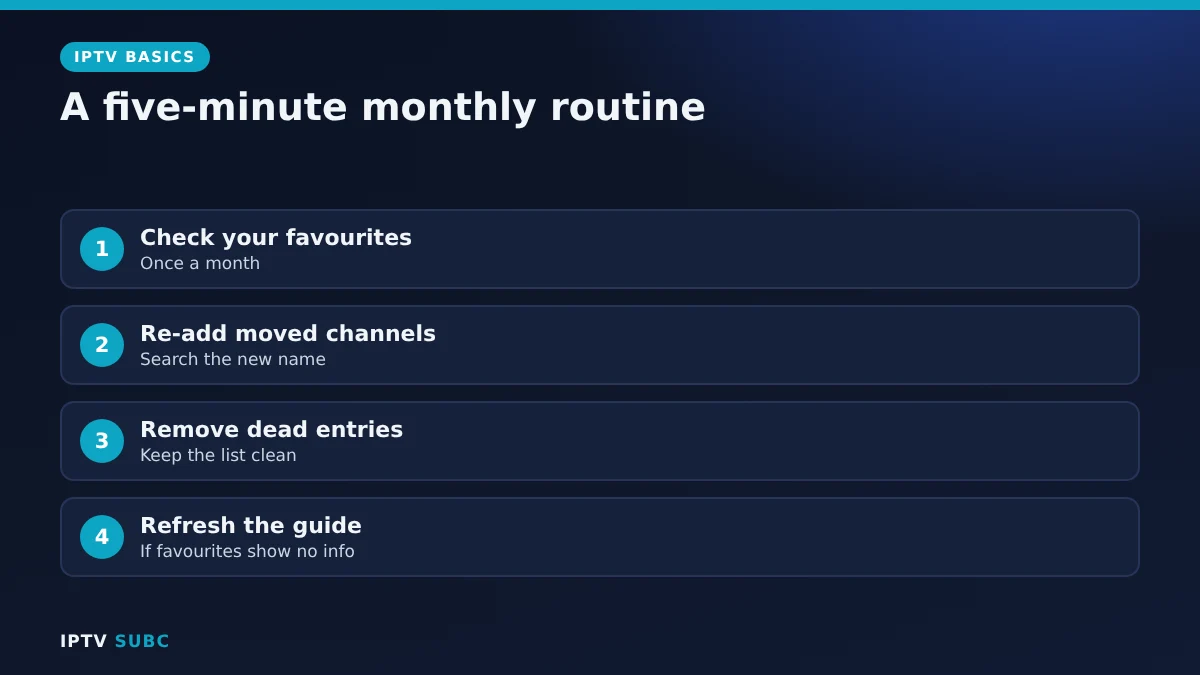
- Check your favourites once a month.
- Re-add any channel that disappeared, using search to find its new name.
- Remove dead entries so the list stays clean.
- Refresh the guide if favourites show no programme information; see IPTV guide not working.
Before you build your list, it helps to see what a service carries; providers publish channel lists such as the 4K Flix IPTV channel list.
FAQ
Do IPTV favorites sync between devices?
Usually not; favourites are stored in the player on each device. Some players offer backups, so check your app.
Why did a favourite channel disappear?
The provider probably renamed or moved it. Search for it and add it again.
Is hiding groups free in TiviMate?
Managing and hiding groups is part of TiviMate Premium; favourites are the quickest way to organise in any version.
How many favourites should I have?
As many as you watch regularly; most homes settle on 10 to 30.
Do favourites make the player faster?
They make browsing faster, and a smaller visible list keeps the guide quicker to scroll.
Next steps
Lock away what children should not see with IPTV parental controls, or choose the right player in best IPTV player for Fire TV.